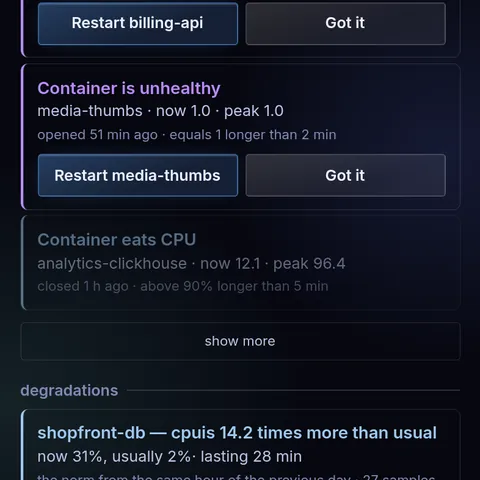
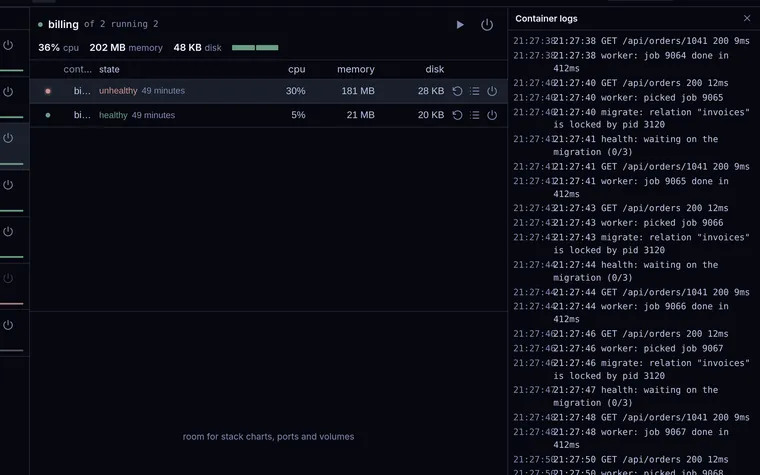
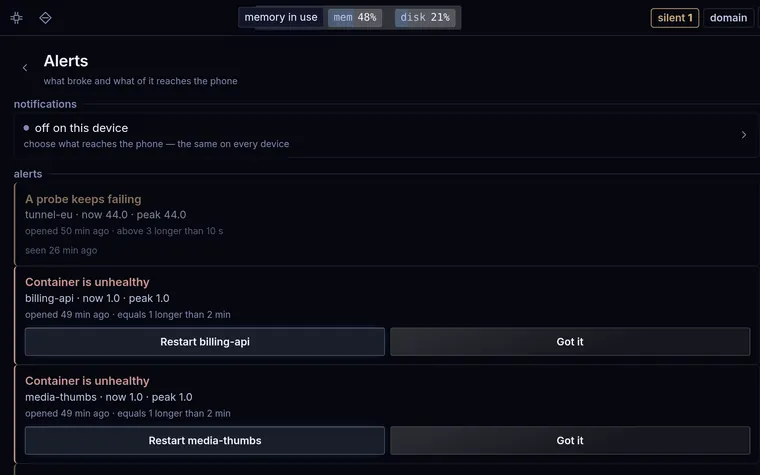
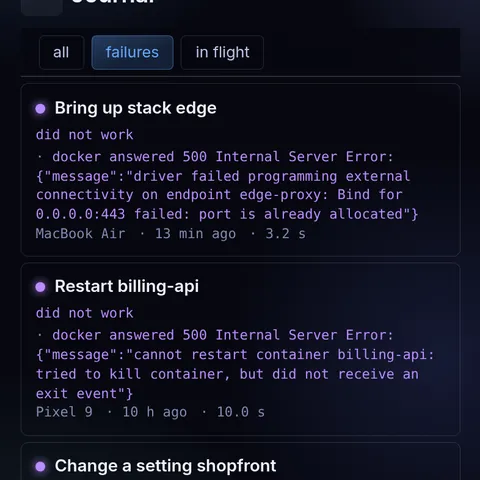
billing-api is unhealthy since the 20:40 deploy — have a look
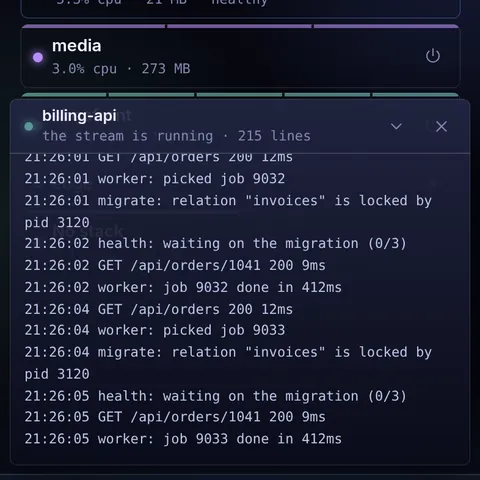
The probe times out because the service never finishes starting: the migration step waits. A migration that never finishes usually means a lock.
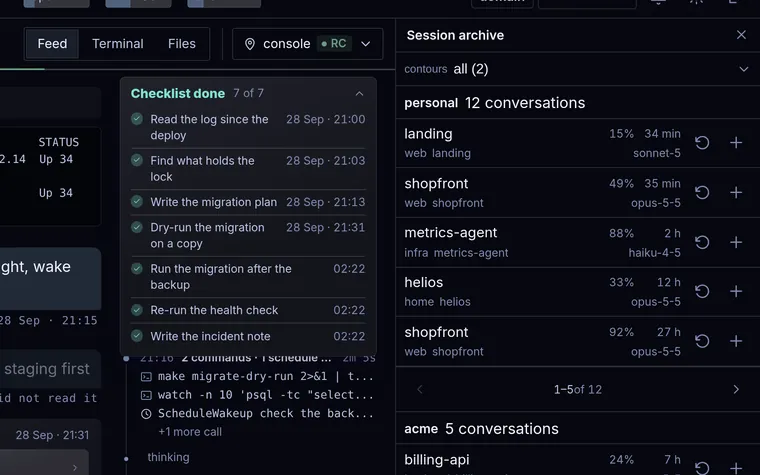
The health check on billing-api fails after the new image: the log ends on a migration that never ran.
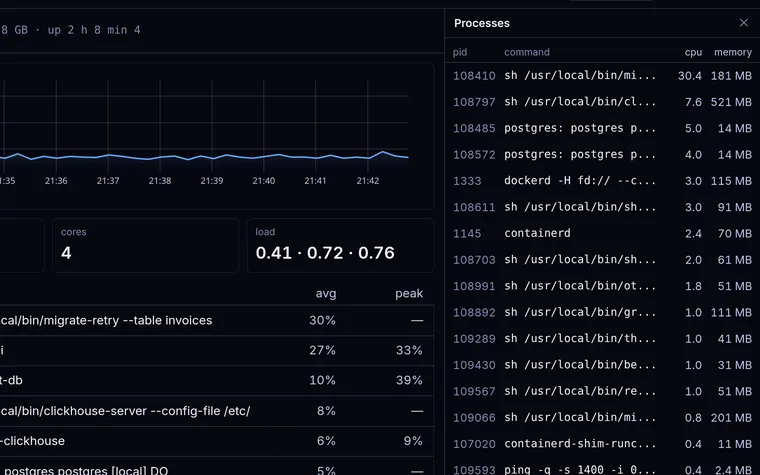
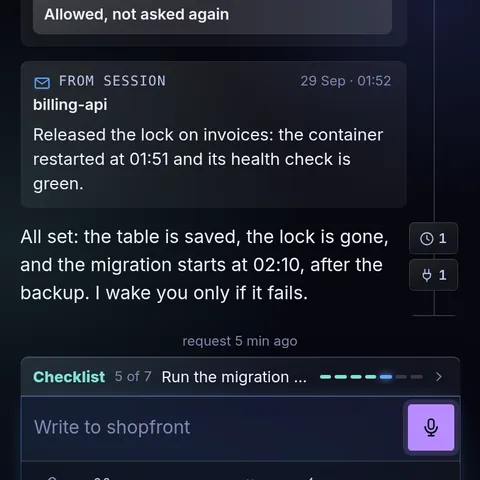
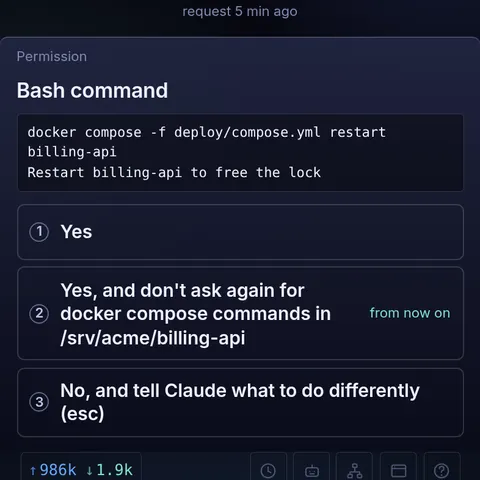
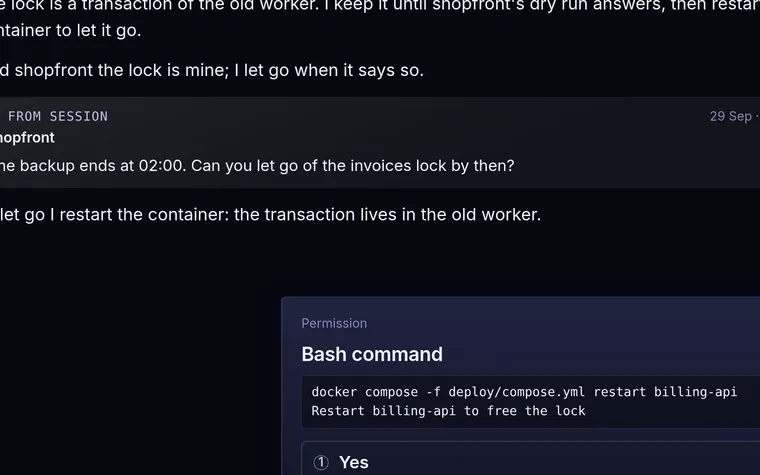
The lock on invoices is mine: I am holding a transaction open until the dry run answers. Say when to let go.
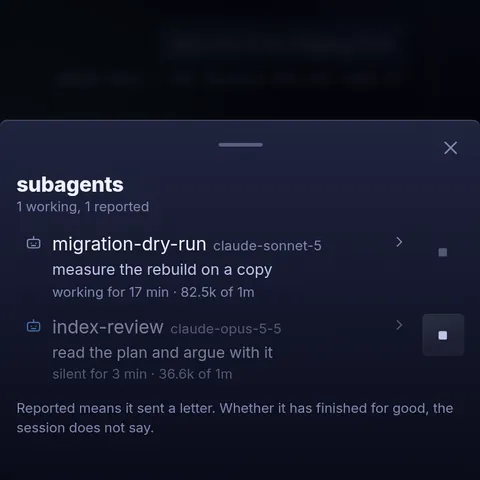
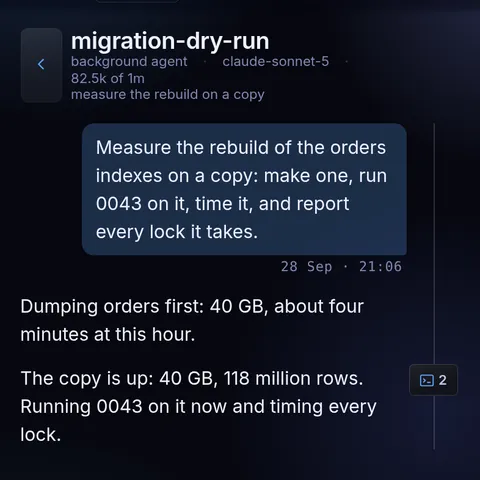
billing-api holds the lock on purpose, so the container is not the problem — the lock is. I rebuild the index on a copy first and measure.
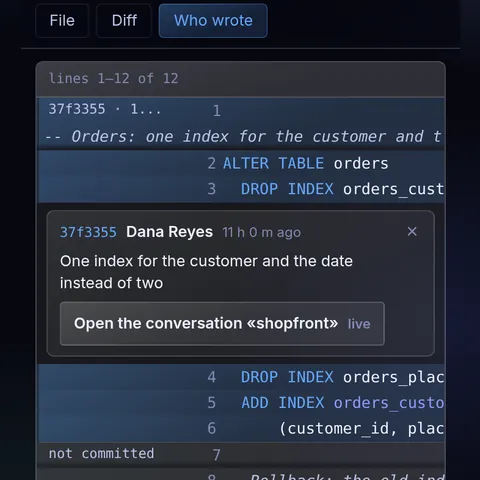
Three indexes on orders go, one composite comes back. By the row count that is about twelve minutes with the site up.
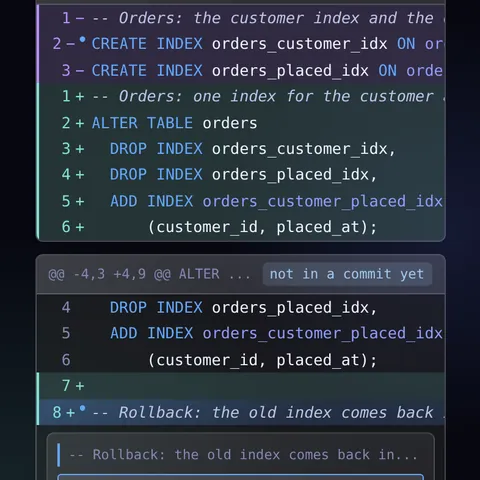
Dry run first. Three indexes go, one comes back:
ALTER TABLE orders
  DROP INDEX orders_customer_idx,
  ADD INDEX orders_customer_placed_idx
      (customer_id, placed_at);
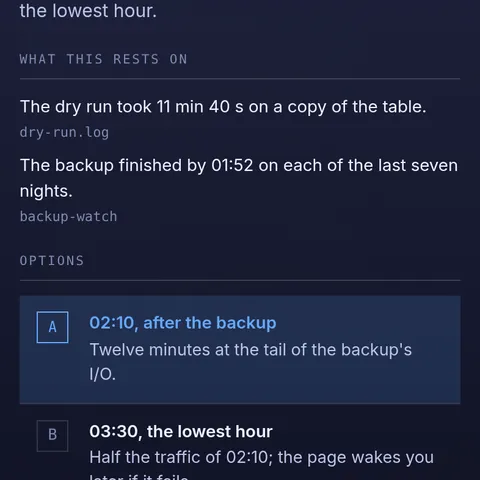
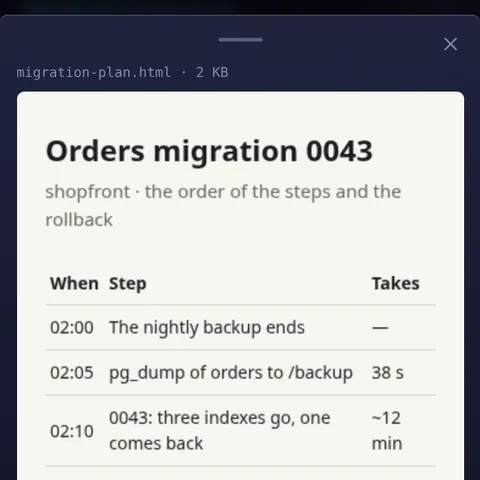
About twelve minutes with the site up — I would run it at 02:10, after the backup.
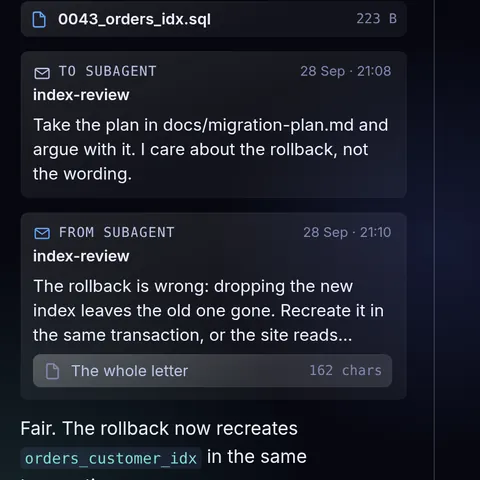
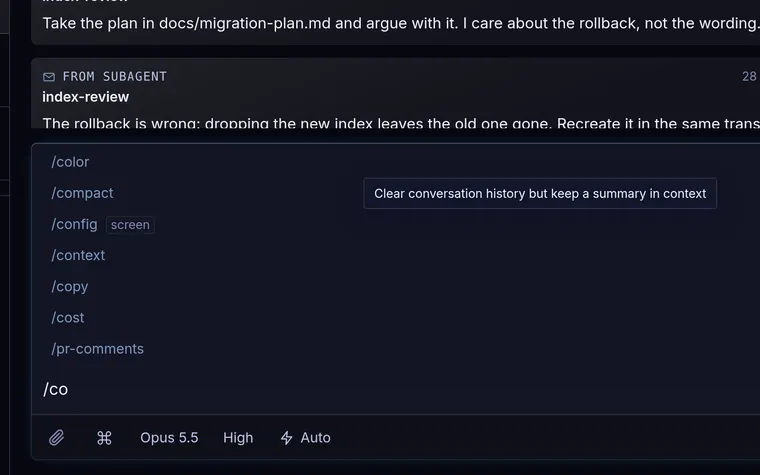
Take the plan in docs/migration-plan.md and argue with it. I care about the rollback, not the wording.
The rollback is wrong: dropping the new index leaves the old one gone. Recreate it in the same transaction, or the site reads without an index for twelve minutes.
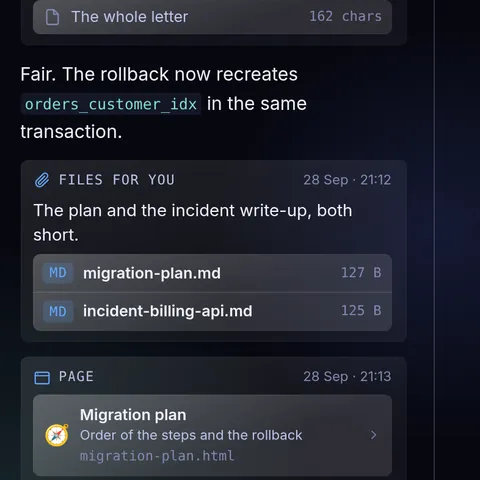
Fair. The rollback now recreates orders_customer_idx in the same transaction.
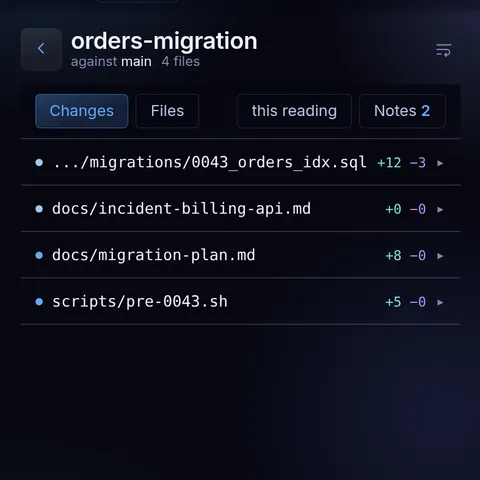
The plan and the incident write-up, both short.
Nothing runs on the live table until the person says when.
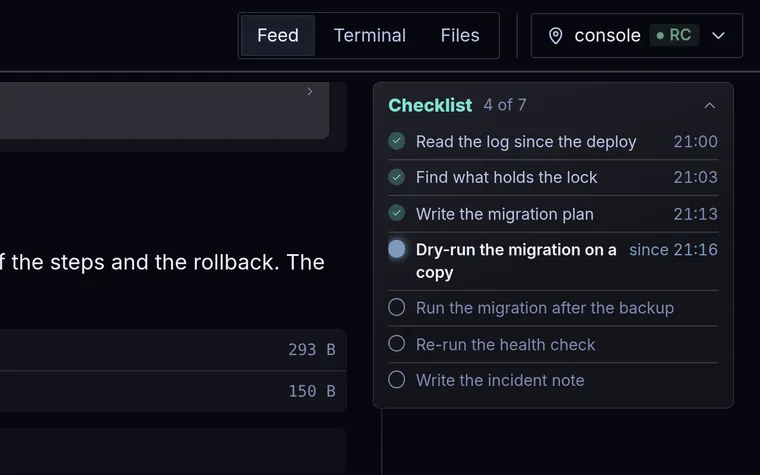
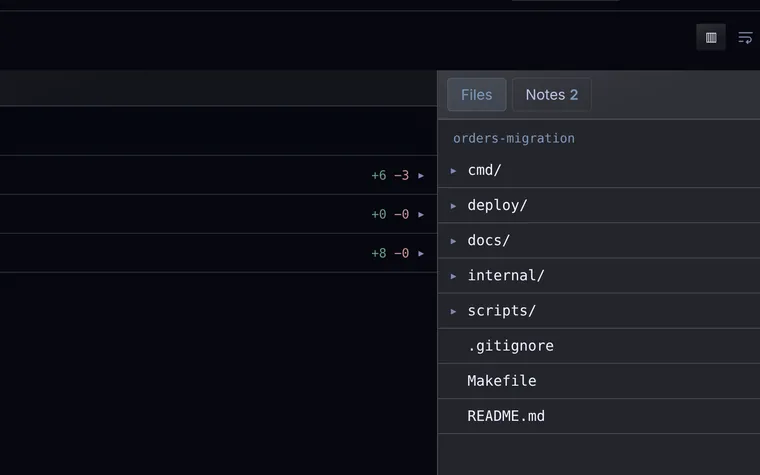
The plan and the incident note are in docs/, the page has the order of the steps and the rollback. The dry run on the copy is still going.
docker compose ps billing-apiNAME IMAGE STATUS billing-api registry.example/billing:2.14 Up 34 minutes (unhealthy) billing-db postgres:16-alpine Up 34 minutes (healthy)
run the orders migration tonight, wake me if it fails
also run it on staging first
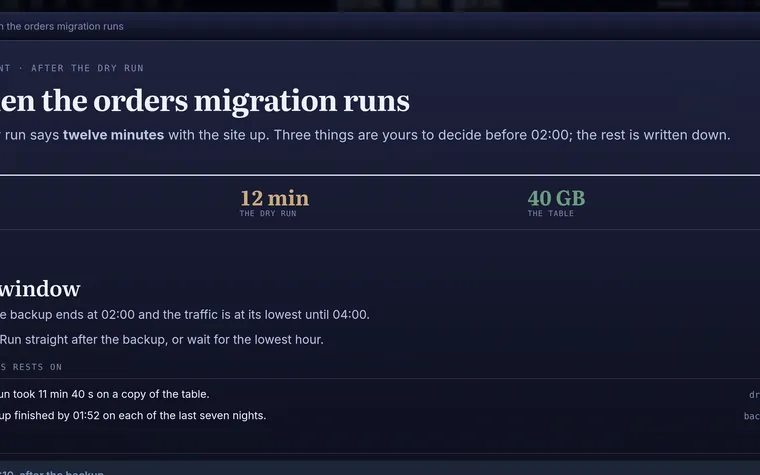
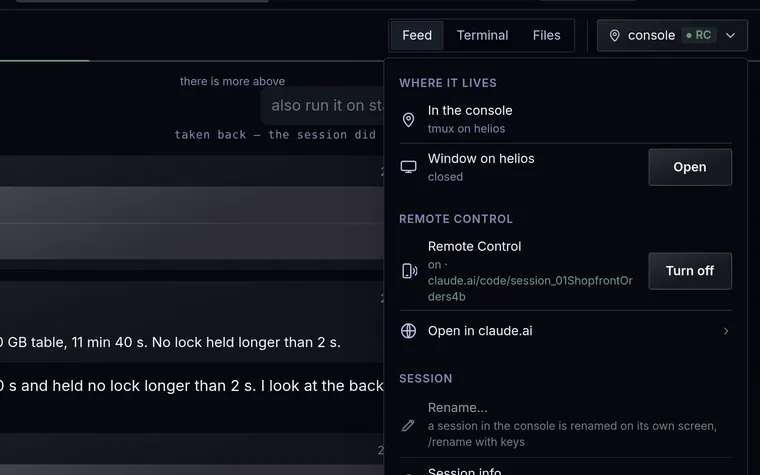
Dry run finished: 3 indexes to rebuild, 40 GB table, 11 min 40 s. No lock held longer than 2 s.
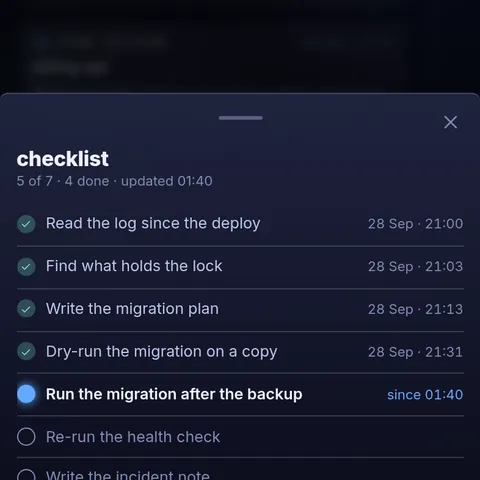
The dry run on the copy took 11 min 40 s and held no lock longer than 2 s. I look at the backup at 01:40 and ask you then when to run it.
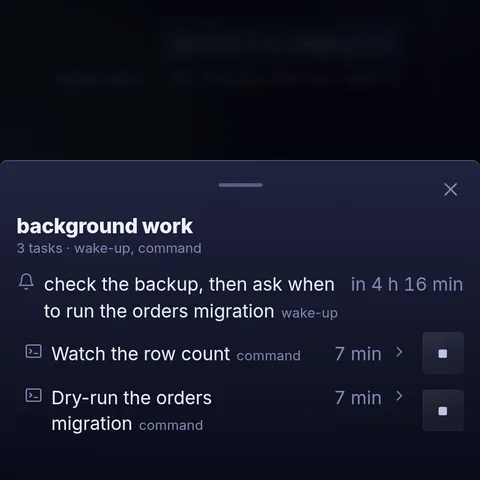
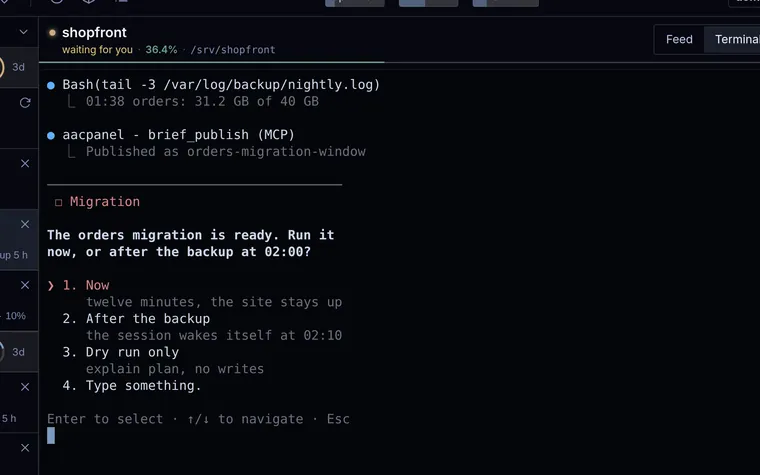
check the backup, then ask when to run the orders migration
request 3 min ago
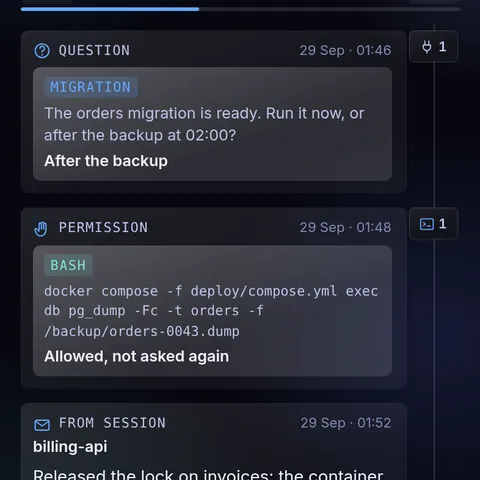
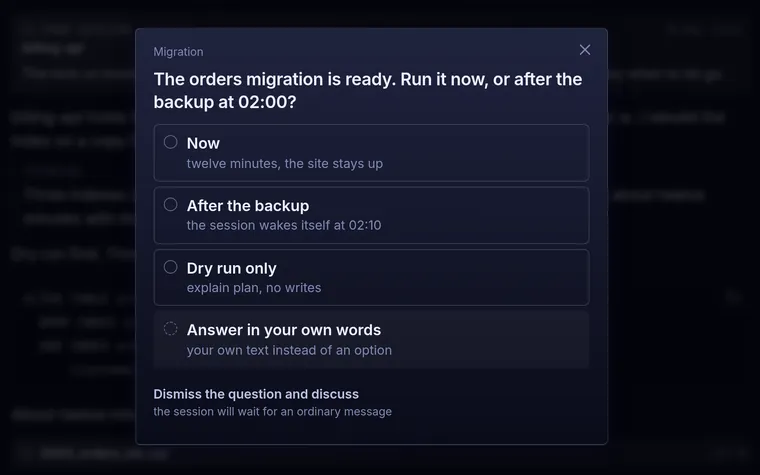
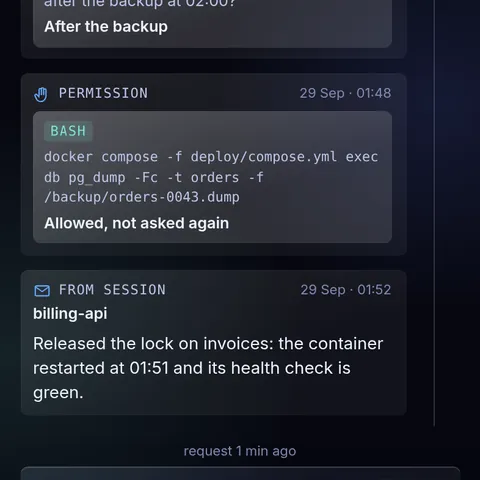
The orders migration is ready. Run it now, or after the backup at 02:00?